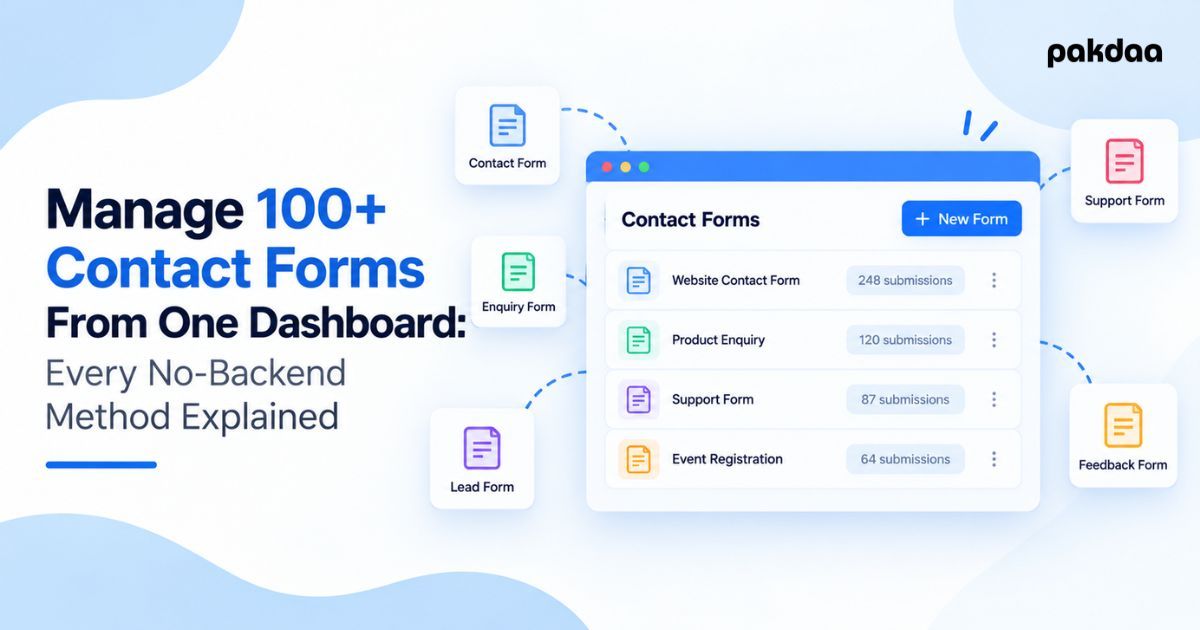
One website with one contact form is easy. Ten clients with a form each is a headache. A hundred forms across dozens of sites, all emailing leads to different inboxes, is chaos, and every one of them can fail silently without you ever knowing.
At scale, the old model breaks. "Each site emails its own leads" works fine until you cannot see, monitor, or trust any of it. The fix is to manage multiple contact forms from one dashboard, with the submissions flowing into a single place, and to do it without building and babysitting a separate backend for every form.
That last part matters. Standing up a custom server per client is slow to build and expensive to maintain. Here is how to centralize everything with almost no backend overhead, the approaches compared, and how to set it up.
Why "each site emails its own leads" breaks at scale
Run enough forms the old way and three problems compound.
First, the leads scatter across a dozen inboxes with no single view. Second, any one site can break its email quietly, and with a hundred forms, something is always broken, but you find out when a client complains. Third, there is no oversight: you cannot see volume, spot a dead form, or prove a lead was captured. Multiply small cracks by a hundred and you have a leak you cannot even locate.
What "no backend overhead" actually means
It does not mean magic. It means you stop building and maintaining a bespoke server for each form.
Instead, forms send their submissions to a shared destination, using lightweight pieces you do not have to run: a form endpoint service, a small serverless function, or a single central store that every form writes to. No per-client servers to patch, monitor, and pay for. One place, many forms.
The approaches, compared
Here is the honest spread, from what most people start with to what actually scales.
The bottom two rows are where scale lives. A little glue code and a shared store beat both the fragile email model and the heavy per-site backend.
The pattern that works
Strip it to the core and the winning setup is simple: every form, on every site, sends its submission to one central store, and one dashboard reads from that store.
Each form does not need its own database or server. It just needs to post its data to the same place, through a form endpoint or a tiny serverless function. The store becomes your single source of truth, and the dashboard is your single pane of glass. This is the same "store it, do not just email it" principle we cover in our guide to storing form submissions instead of emailing them, applied across a hundred forms at once.
What to look for in the setup
Centralizing is not just about one dashboard. A setup you can trust at scale needs a few things.
Miss the monitoring piece especially and you are back to finding out about failures from angry clients. At scale, knowing a form died is as important as capturing the lead.
How to set it up
You can build this incrementally. Here is the order.
Step 1: Pick one central submissions store
Choose a single place all submissions will live, a database or structured store you own. This is the foundation everything else reads from.
Step 2: Point every form at it
Have each form post to that store through a form endpoint service or a small serverless function. No per-site backend, just a thin connection from form to store.
Step 3: Tag every submission by client and site
Stamp each submission with which client and page it came from. Without this, a hundred forms become one undifferentiated pile.
Step 4: Build one dashboard on top
Create a single view that reads from the store, filterable by client, site, date, and status. This is the one screen that replaces a dozen inboxes.
Step 5: Add monitoring and alerts
Set up checks that flag a form going quiet or failing, plus instant alerts for new leads so nothing waits to be noticed. That routing discipline is exactly what we describe in our guide to never missing a customer enquiry.
Step 6: Add spam protection
Protect every form so junk on one site does not drown the shared dashboard. Quiet defences like honeypots keep it clean without friction.
The bottom line
Managing a hundred forms the old way is a hundred chances to lose a lead and no way to see it happen. The fix is not more servers, it is fewer: send every form to one central store, read it from one dashboard, and monitor the whole thing so failures surface fast. You manage multiple contact forms from one place, with almost no backend to maintain, and finally get oversight instead of chaos. If you want this built for your agency or portfolio of sites, that is exactly what our team does.
Running forms across too many sites to track?
We will centralize every client form into one dashboard with monitoring and alerts, no per-site backend to maintain, so you see and capture every lead in one place. Free to scope.
Book a free architecture call